Sign in Get your card
Continue with Google
Home Shop NFC Cards Design Studio (3D) How It Works
Tools
NFC Design Preference Activate Card QR Maker Track Order
Resources
Blog & Guides Support Desk Contact Us
Theme / থিম
No app · No battery · One tap

How Smart NFC Networking Works

Tap your card on a phone and your profile opens: contact details, social links and portfolio. The other person doesn't install anything.

Interactive demo Illustration of a real tap
13.56 MHz ISO/IEC 14443-A ~1–4 cm range
Passive induction
9:41
Demo screen
Hold the card near the top of the phone
NFC Tag · AutohexTap
Tap to open Sarah Jenkins' profile
SJ
Sarah Jenkins
Chief Innovation Officer · AeroGlobal
Save to Contacts
WhatsApp
Live profile
Press “Tap card to phone” to see what happens, step by step.

The receiver needs an NFC-enabled phone and an internet connection to load your profile. No app required.

The workflow

Three steps from order to first tap

Pick a card, set up your profile once, then share it with a tap whenever you meet someone.

Engraving preview
Preview only — final engraving may differ slightly16/26
Step 01 · Hardware

Choose your NFC card

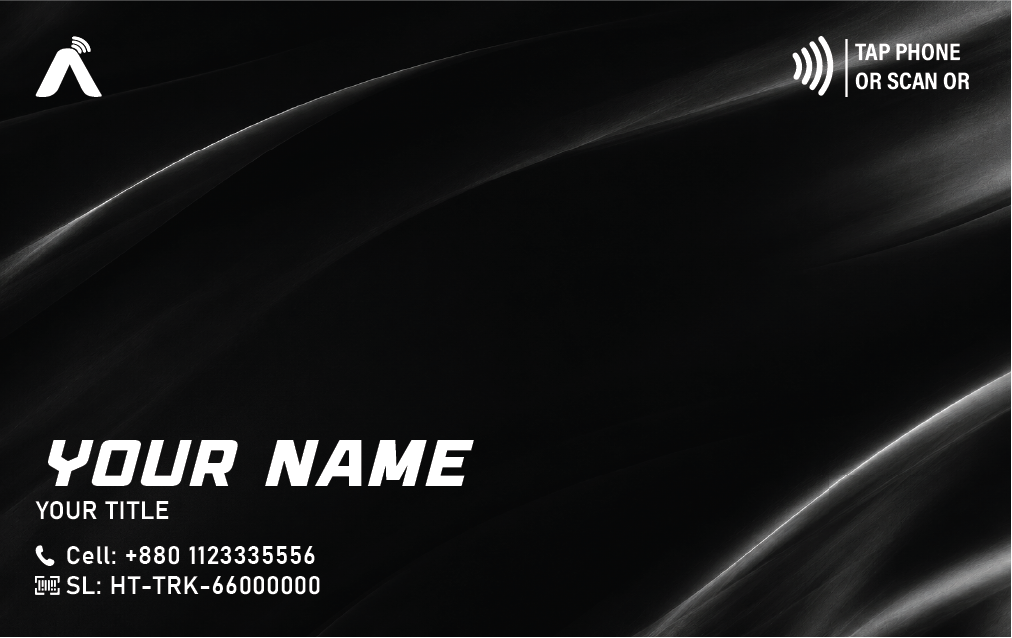
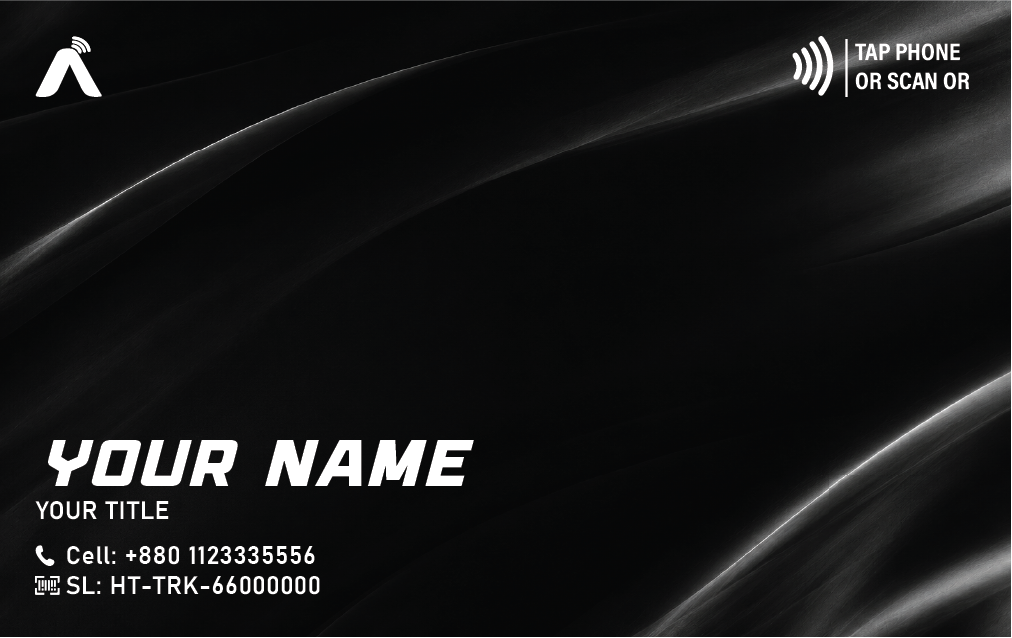
Pick a finish — Matte Black PVC, Stainless Steel or Gold — and add the name or logo you want engraved. Every card has an NFC chip inside and a QR code on the back as a backup.

Built to lastSealed construction that handles everyday wear, rain and pockets.
NXP NTAG216 chip888 bytes of memory, enough to store a short link to your profile.
Browse card hardware
Step 02 · Cloud profile

Build your digital profile

Sign in to your dashboard and add your phone, email, WhatsApp, LinkedIn, portfolio, services and booking link. Change a job title or number later and every card you own shows the update immediately — no reprinting.

Edit anytimeYour card stays the same; only the profile behind it changes.
Tap analyticsSee views and link clicks on supported plans.
View live demo profile
AutohexTap
AW
Alexander Wright
Managing Partner · VentureEdge
Save to Contacts
alex@example.com
+1 555 010 0199
Synced
Where to tap

The NFC antenna sits on the back of the phone. Hold the card 1–4 cm away for a second.

*Varies by model. If it doesn't read, slide the card slowly across the back.

Step 03 · Share

Tap any NFC phone — no app needed

Hold your card against the back of the other person's phone. A notification (iPhone) or the browser (most Android phones) opens your profile, where they can save your contact in one tap. If their phone has no NFC, they scan the QR code on the back instead.

iPhone XS / XR & newer NFC-enabled Android QR backup
Get started with AutohexTap
Under the hood

What actually happens when you tap

It takes about a second end to end. Most of that is the page loading.

The phone powers the chip

Your phone emits a small radio field. The card's copper antenna picks up that energy, so the card needs no battery.

The card sends a short link

The chip stores a unique link (not your whole profile) and hands it to the phone in a few milliseconds.

The phone opens the link

iPhones show a notification to tap. Most Android phones open the link straight away.

Your live profile loads

The page is fetched from the cloud, so it always shows your latest details. Then they tap “Save to Contacts”.

Compatibility

Will it work on their phone?

Nearly all modern smartphones include NFC. Pick a brand to see where to tap.

Technology

The engineering behind the tap

Standard, proven NFC technology — the same family used in transit passes and contactless payments.

13.56 MHz · NFC Forum Type 2

NXP NTAG216 chip

888 bytes of user memory — plenty for a short link. Rated by NXP for 10 years of data retention and 100,000 write cycles.

QR · works with any camera

Built-in QR backup

A QR code on the back opens the same profile, so phones without NFC — or with NFC turned off — can still connect.

Edit once · updates everywhere

Always-current profile

The card only stores a link. Your details live in the cloud, so edits show up on the very next tap — no need to rewrite the card.

iPhone XS/XR+ · NFC Android

No app on their side

iPhone XS / XR and newer read NFC tags in the background. NFC-enabled Android phones read them with NFC switched on.

HTTPS · unique link per card

You control what's shared

Only a link is stored on the card — never passwords or payment data. Your profile loads over HTTPS and shows only the fields you choose.

Passive · no battery

Powered by the phone

NFC cards are passive. The phone's field energizes the chip for the instant it's needed, so there's nothing to charge or replace.

Good to know

Tips for a smooth tap

Internet needed to open

The profile is loaded from the web, so the receiver's phone needs mobile data or Wi-Fi when they tap.

Cases & metal

Thick cases, metal plates or wallet cards stacked behind the phone can weaken the signal. Remove them if a tap doesn't register.

NFC must be on (Android)

Most Android phones ship with NFC enabled, but it can be switched off in Settings. iPhones need no setup.

Always have the QR

If a tap fails for any reason, the QR code on the back opens the very same profile with any camera app.

Catalog

Pick your edition

Choose a finish and personalize your engraved NFC card.

Standard NFC Smart Card
Matte PVC
Standard NFC Smart Card

The essential eco-friendly digital business card for smart professionals.

৳799.00 Configure
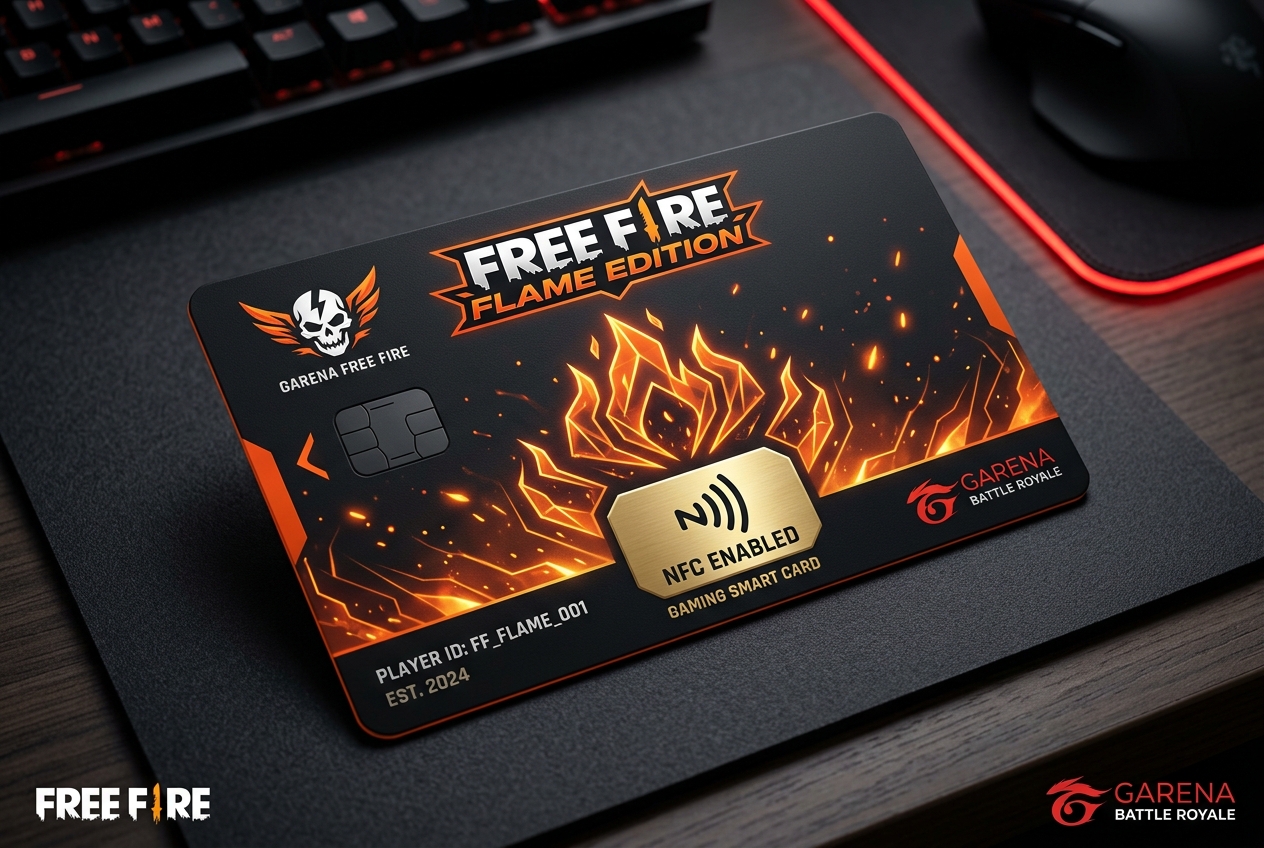
Free Fire Flame Edition NFC Smart Card
Matte Polymer PVC Popular
Free Fire Flame Edition NFC Smart Card

The official-style NFC smart card for Free Fire battle royale players, streamers, and guild …

৳499.00 Configure
Premium Matte Black NFC Card
Ultra-Smooth Matte Black PVC Popular
Premium Matte Black NFC Card

Engineered for founders, executives, and high-performance creators.

৳999.00 Configure
FAQ

Got questions?

Delivery, durability, compatibility and profile setup.

AutohexTap cards contain an ultra-thin high-frequency NXP NTAG216 microchip. When tapped against any modern iPhone or Android device, the phone reads the embedded wireless frequency and instantly launches your digital business profile in the browser. Zero apps required for the receiver!

No! Neither you nor the person tapping your card needs to download any app. The card communicates natively with Apple iOS and Google Android NFC chipsets directly through the built-in operating system.

Yes, our cards are IP68 waterproof, scratch-resistant, and engineered to withstand heavy everyday use in wallets, bags, and pockets for over 10 years.

Ready to upgrade your first impression?

Replace paper cards with one you never have to reprint. Order yours today, or talk to us about team orders.